Skip to content

You spent weeks perfecting your tech pack, but you are worried the factory will miss a key detail. This one small mistake could ruin the sample, wasting weeks of your time and money.
A robust digital proofing system1 is the solution. Your tech pack is converted into a standardized digital file2 for you to review and approve online before any fabric is cut, confirming every detail and preventing costly errors.
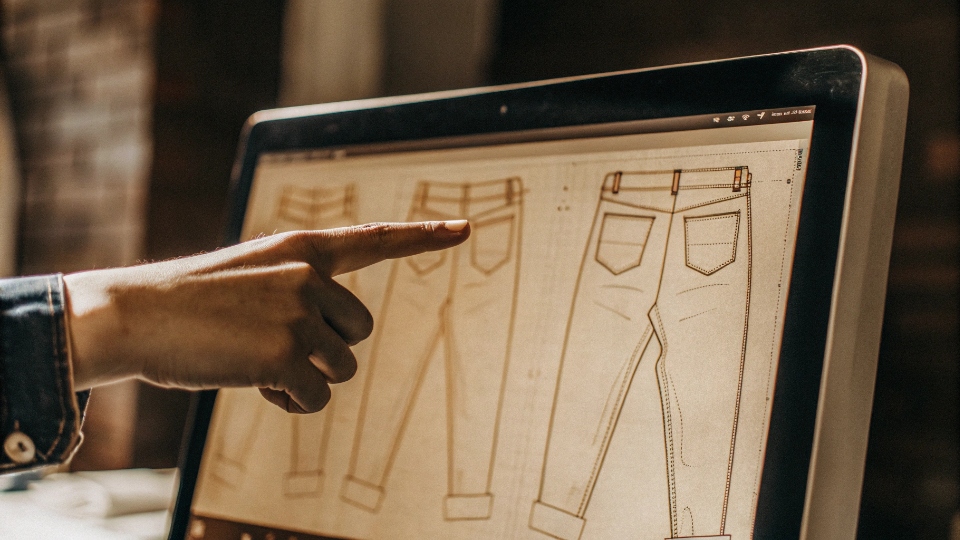
I have seen it happen before. A designer sends what they think is a perfect tech pack to another factory. Weeks later, the physical sample arrives, and the back pocket is placed 10 millimeters too low.
It sounds like a tiny mistake, but for a designer like Dean, that small error can throw off the entire balance and fit of the garment.
It is not just wrong; it feels wrong. This is why at DiZNEW, we do not touch a single piece of fabric until you have digitally signed off on our interpretation of your vision.
This digital proofing step is our promise to you that we respect your design down to the last millimeter. It is how we build trust and make sure the first sample is the right sample.
Can I Review Tech Packs Online Before Sample Cutting?
You send your files into a black box and cross your fingers. You have no idea what is happening or if they understood your instructions until a physical sample shows up at your door weeks later.
Absolutely. We convert your tech pack into a complete digital proof. You can review every single detail online, from fabric simulations3 to hardware placement, and approve it before we even think about cutting fabric.
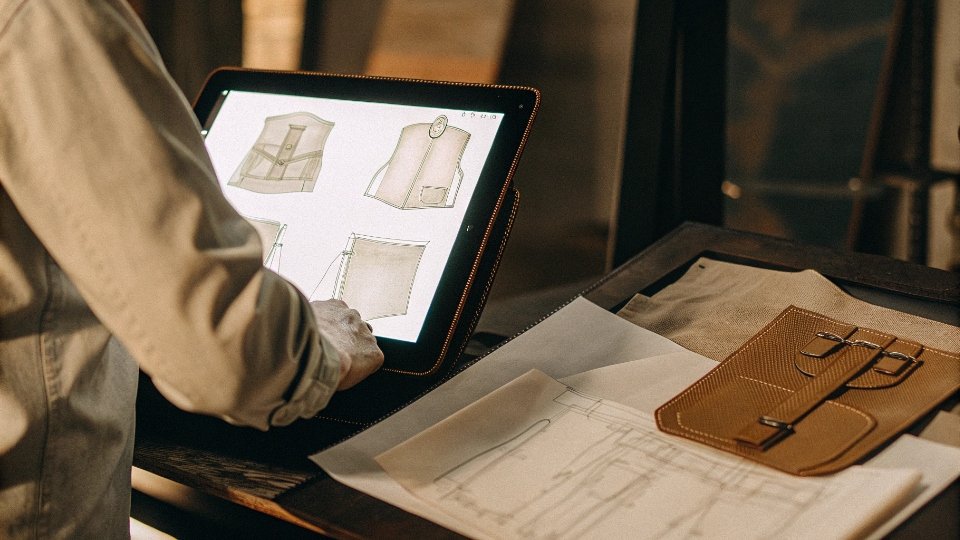
Our process is designed to give you full control and transparency. First, you send us your tech pack.
Our technical team then takes all your information—sketches, measurements, notes on washes, and hardware—and digitizes it using our professional CAD software.
We then send this digital proof back to you for review. This is not just a copy of your file; it is a standardized production document.
It includes detailed flat sketches, previews of the fabric texture, a visual representation of the wash effect, and precise placement of every button, rivet, and stitch. We are translating your creative vision into a technical blueprint.
Your job is to review this blueprint and confirm that our translation is 100% accurate before we begin the physical creation process. This critical step ensures we are perfectly aligned.
What Our Digital Proof Includes
| Component | Description | Your Benefit |
|---|---|---|
| Flat Sketches | Detailed CAD drawings of the garment, front and back. | Confirms all seams, pockets, and design lines are correct. |
| Fabric & Wash | A visual simulation of the denim and the intended wash. | Allows you to approve the final look and feel. |
| Trim Details | Exact placement and specs for buttons, rivets, and labels. | Ensures all hardware is positioned perfectly. |
| Stitching Guide | Specifies thread color, thickness (SPI), and style. | Guarantees the stitching matches your aesthetic. |
How Are Revisions Tracked in Their System?
You send an email with a list of changes for the sample. The factory replies "OK," but you are left wondering if they understood and recorded every single point, or if something got missed in the communication.
We use a strict version control system. Every time you request a change, we create a new, numbered version of the digital proof (e.g., V1.0, V1.1, V2.0). This creates a clear, documented history of revisions.
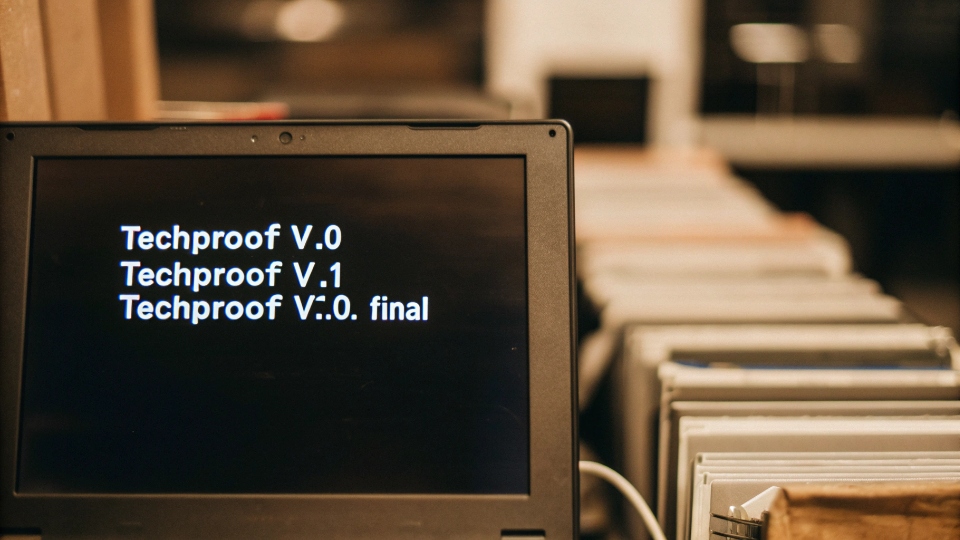
Email chains can get messy and confusing. That is why we rely on a system, not just conversations. Here is how it works: We send you the first digital proof, let's call it "Style_101_V1.0". You review it and send back your comments.
Maybe you want to change the stitch color and adjust a measurement. We make those exact changes in the CAD file and send you "Style_101_V1.1".
The filename itself shows it is a revision. In the document, we will highlight or make notes on what was changed from the previous version.
This process continues until you are completely satisfied. This method ensures nothing is ever lost in translation.
We both have a clear record of every single decision made, which eliminates any confusion and provides a single source of truth: the final, approved version of the proof.
What File Format Ensures No Data Loss on CAD Files?
You finalized a beautiful logo detail in Adobe Illustrator. You worry that when you send the file, the factory's software might distort it, making the lines jagged or changing the proportions you worked so hard on.
Vector files are the key. We require Adobe Illustrator (.ai) or Encapsulated PostScript4 (.eps) files for all logos, prints, and patterns. These formats guarantee that our CAD systems can read your design data perfectly.
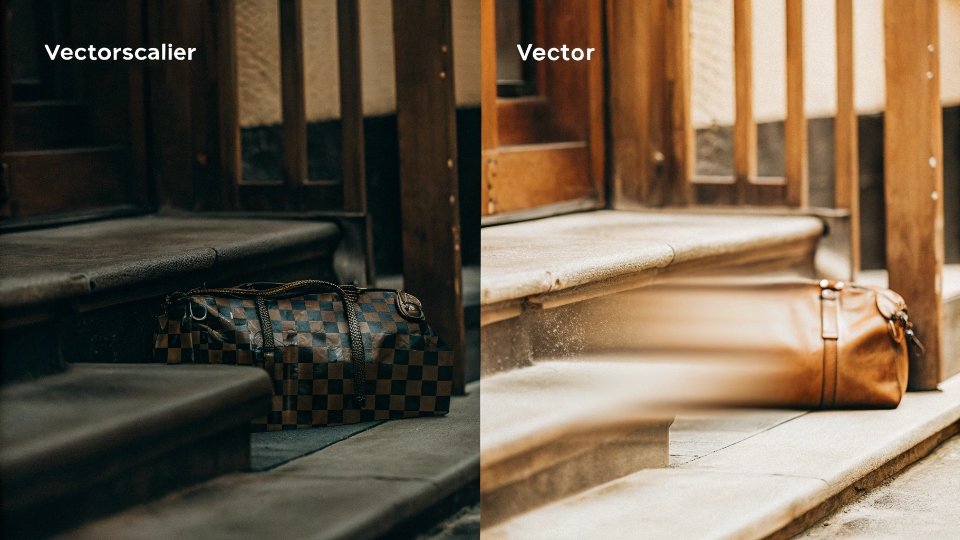
It is important to understand the difference between file types. A raster file, like a JPEG or PNG, is made of pixels. When you try to scale it up, it becomes blurry and loses quality. A vector file is different; it is made of mathematical paths.
This means we can scale your design to any size—from a tiny rivet detail to a large back pocket embroidery—and it will remain perfectly sharp and clean. Our professional garment CAD software is built to work with these vector files.
Using the correct format ensures there is zero data loss or distortion between your design file and our pattern-making system. Even if your tech pack is not perfect, we can help.
Our team can work with you to create professional flat sketches or digitize your ideas into the correct format, ensuring your creative intent is perfectly preserved.
Best File Formats for a Tech Pack
| Asset Type | Recommended Format | Why It's Best |
|---|---|---|
| Logos & Graphics | .ai, .eps, .svg (Vector) | Infinitely scalable with no quality loss. Essential for production. |
| Full Tech Pack | .pdf | A universal standard that preserves layout and fonts for easy viewing. |
| Photos/Images | .jpeg, .png (Raster) | Good for mood boards or reference images, not for production graphics. |
How Do They Confirm I’ve Signed Off on Final Docs?
You have given your approval over email, but you want a more formal process. You need a clear and final confirmation step that locks in the design and protects both you and the factory from future misunderstandings.
We use a formal "Final Approval Sheet" for sign-off. Once you are happy with the digital proof, we send you this single document summarizing everything for your digital signature. This becomes our official green light for sampling.
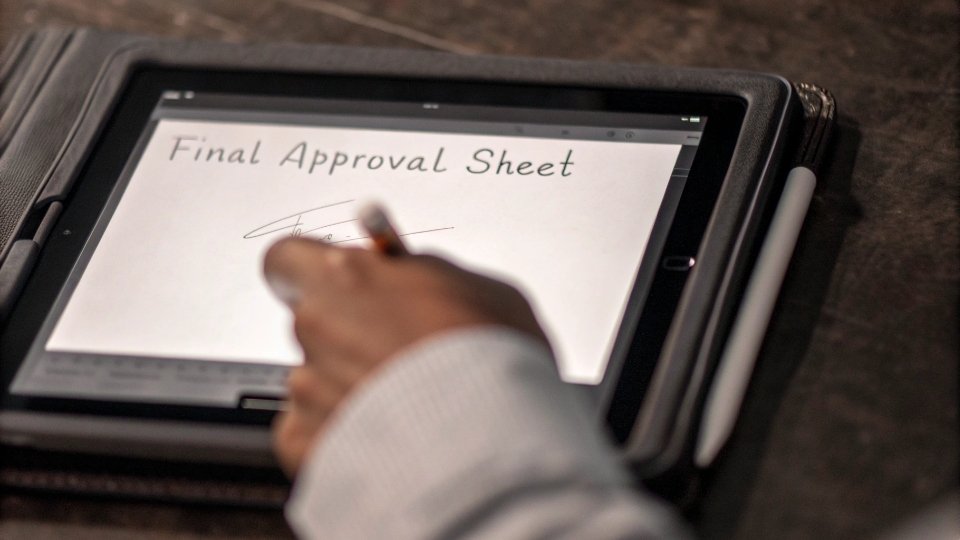
An email that says "looks good" is not enough to build a professional partnership. Our final sign-off process is clear and formal.
Once you verbally approve the last version of the digital proof, we compile all the key details into one summary document called the Final Approval Sheet.
This PDF includes the final sketches, key measurements, and specifications for fabric, wash, and trim.
We then send this to you for your formal review and digital signature. This signed document acts as the official contract for the sample.
It confirms that you have reviewed and approved every single detail, and it gives us the final go-ahead to move from the digital world to the physical sample room. This process removes all ambiguity.
It ensures we are all working from the exact same confirmed document, protecting your design and creating a solid foundation of trust for our entire project.
Conclusion
Digital proofing is the most critical step in sample development. It translates your vision into a technical blueprint, aligns our understanding, and ensures the first physical sample is exactly what you imagined.
-
Explore how a digital proofing system can streamline your design process and prevent costly errors. ↩
-
Understand the benefits of using standardized digital files for accurate garment production. ↩
-
Discover how fabric simulations can enhance your design approval process. ↩
-
Understand the significance of Encapsulated PostScript files in maintaining design integrity. ↩